Save Pro: save and load system for Godot 4
A downloadable asset pack for Windows, macOS, and Linux
Save Pro: save and load system for Godot 4
Save Pro is a commercial save and load addon for Godot 4.5 and newer (tested on 4.5.2 and 4.7.2), for desktop and web exports. Mark what to save with a node and a checklist, call two functions, and get signed, crash-safe save files that never run code. Unlimited slots, autosave, per-scene world state, custom data types, save migration, encryption and backups. Made by cardeiro-studio. Commercial license: one seat per developer, unlimited games.
Need just one save slot? Try the free edition: Save Lite (MIT, playable browser demo).
How does it work?
Add a SaveProComponent to the node you want to keep, tick its properties in the Inspector checklist, and call:
await SavePro.save_slot("slot1")
await SavePro.load_slot("slot1")
No serialization code, no file paths, no dictionaries to maintain. A new project is saving in five minutes.
Features
- Unlimited save slots with label, playtime, date and a thumbnail for each save.
- Global player data outside the slots (volume, unlocks):
set_global/get_global. - Autosave on a timer and on scene change. On desktop, closing the window saves before quitting; in the browser, hiding the tab triggers a save. Optional "Saving..." indicator.
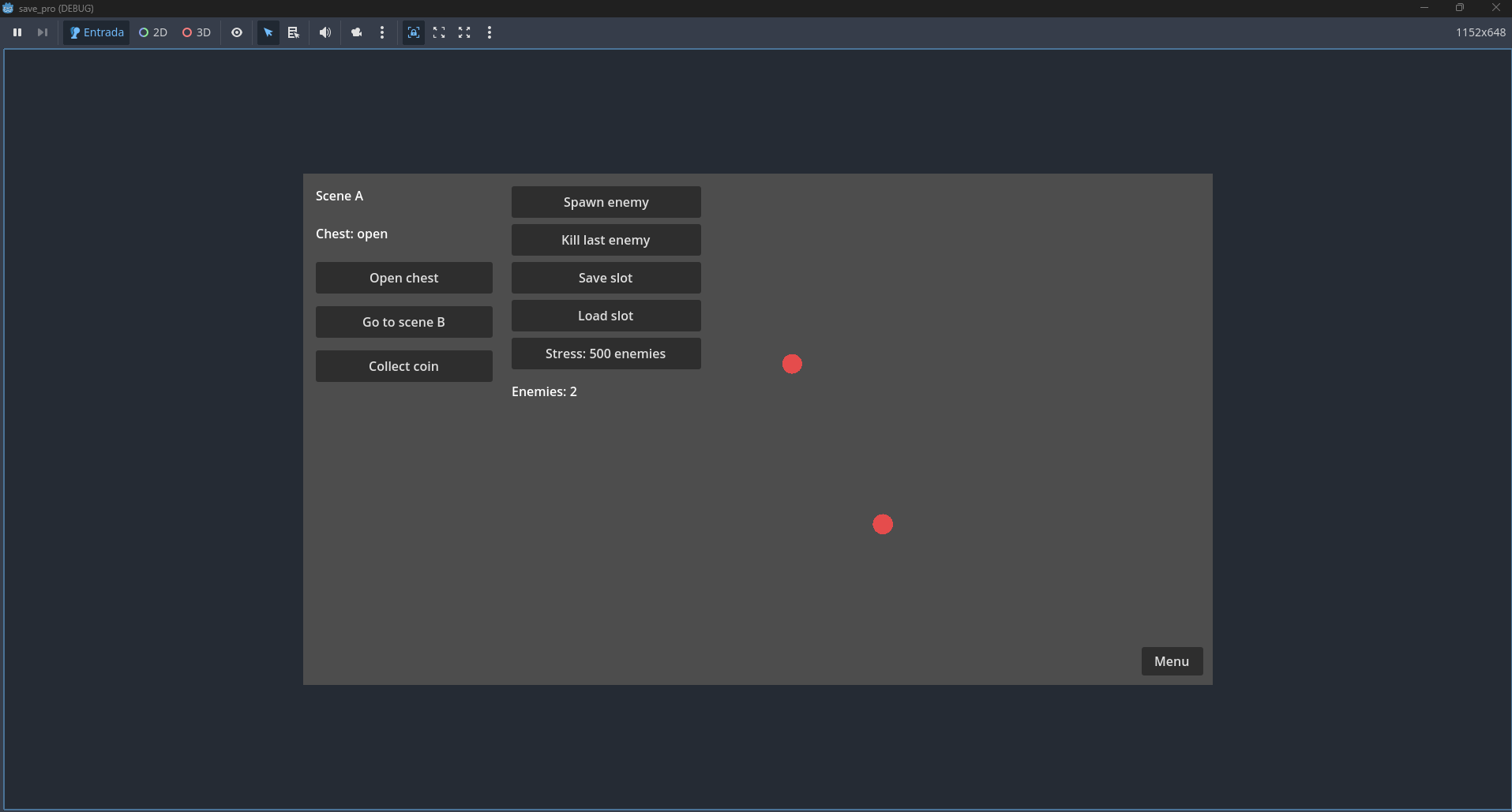
- Per-scene world state: each scene remembers its chests, doors and enemies. Destroyed objects stay destroyed; objects spawned at runtime come back (scenes on your spawnable list).
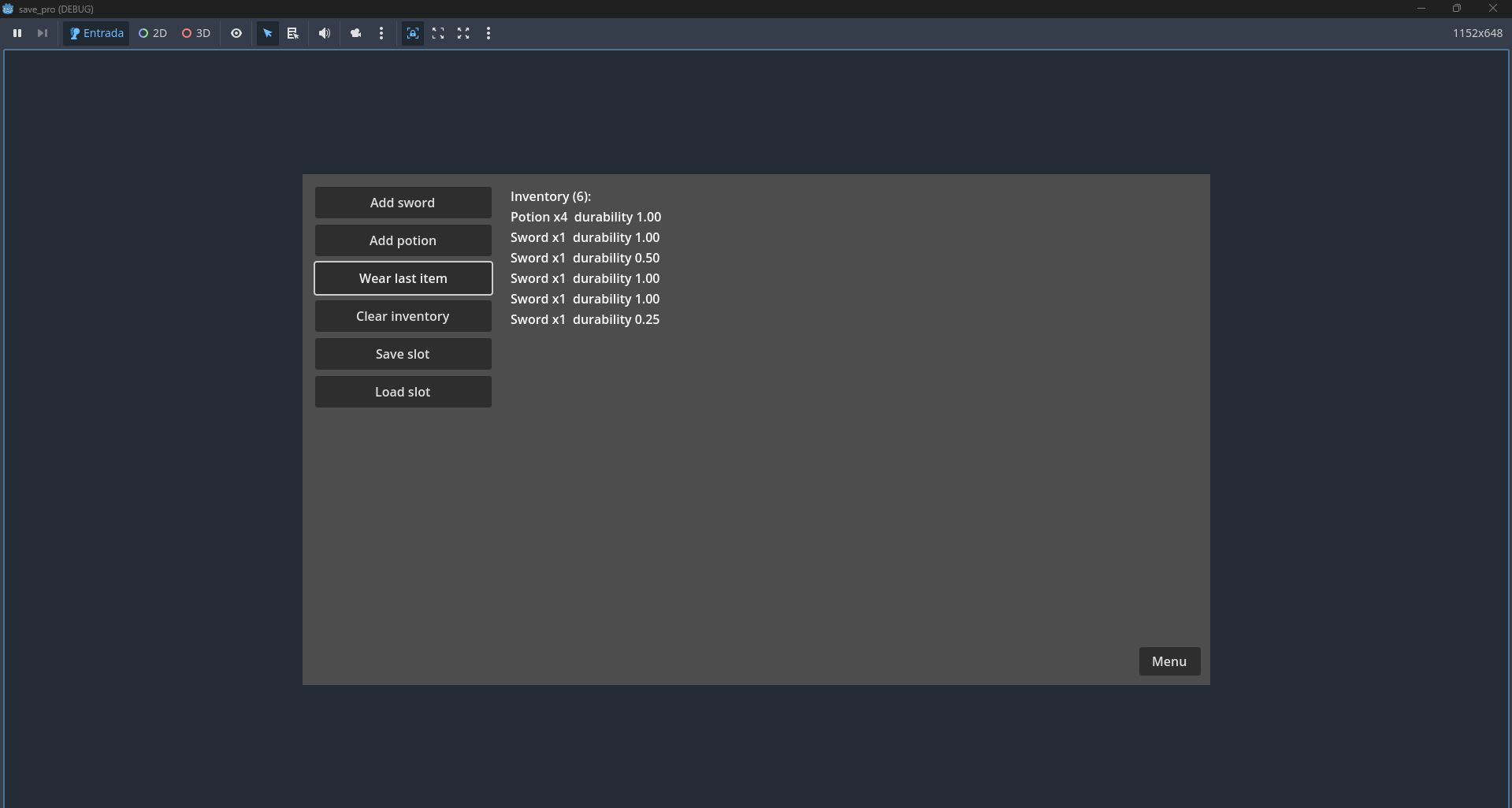
- Custom data types: save items, stats and inventories as your own
Resourceclasses and lists of them. Only types you register are ever created from a save. - Save migration: one small step per change (rename a property, rename a type, set a default). Players' old saves upgrade on load, and a check command tests a folder of old saves.
- Backups and recovery: every write keeps the previous versions (3 by default, up to 10). If the current file is damaged, loading uses the newest valid backup.
- Optional encryption (AES-256-CBC inside the signed envelope).
- Export / import a slot to a file.
- Ready-made slot menu (English and Portuguese) and a Save Pro editor dock: browse slots, inspect and edit values, duplicate or delete, preview a migration, and run a project check.
- Browser saves that survive: writes go to the browser's own database and are confirmed before the game says "saved". An included self-test scene proves it on your own web export.
Is it secure?
A save file cannot run code or be half-applied. It can only point to project assets of data types you registered and to scenes on your spawnable list; nothing else is ever loaded, created or run from it.
- JSON inside an HMAC-SHA256 signed envelope.
- Size and nesting limits checked before parsing.
- A refused file returns a typed error and changes nothing.
- The attack test suite (known engine payloads, tampered bytes, path traversal, truncated and oversized files) ships with the addon and runs in one command.
Honest note: encryption is not anti-cheat. The signing secret ships inside your exported game, so a determined cheater can extract it. Save Pro protects against corruption, casual editing and hostile files, not against someone who owns the game files.
Who is it for?
Works for: local saves in any 2D or 3D genre, desktop and web builds, anything stored in node properties or in your own data classes.
Not for: server or cloud saves, competitive anti-cheat, infinite procedural worlds that stream chunks, C# projects (the API is GDScript only).
Save Pro vs Save Lite
Save Lite is the free, MIT-licensed edition with one save slot: the same marker and checklist, global data, signed files and browser saves. Save Pro adds unlimited slots, autosave, per-scene world state, custom data types, save migration, encryption, backups, export/import, the slot menu and the editor dock.
Upgrading from Save Lite
Install Save Pro, run Project > Tools > Save Pro: Upgrade from Save Lite, replace the script names it lists, and delete addons/save_lite/. Markers, ids and the signing secret carry over, and players' Save Lite saves (desktop and browser) are copied into Save Pro on the first start. Save Lite files are never changed.
FAQ
Which Godot versions does Save Pro support?
Godot 4.5, 4.6 and 4.7. The test suite passes on Godot 4.5.2 and 4.7.2, checked in fresh projects before each release. Verified platforms: Windows and web export.
Does it work in HTML5 / web exports?
Yes. Web builds save to the browser's own database (IndexedDB), and every storage call is awaited so the game only reports "saved" after the browser confirms the write.
Can a save file run code or crash my game?
No. Save files only carry plain values and references to types and scenes you allowed. Damaged, oversized, tampered or hostile files are refused with a typed error and change nothing.
Does it support C#?
No. The API is GDScript only.
Can I use it in commercial games?
Yes. One purchase licenses one developer for any number of games, commercial or not, including shipping the addon inside your exported games. Redistributing the addon itself is not allowed.
Is there a free version?
Yes: Save Lite, MIT-licensed, one save slot, with a playable browser demo. Its saves load in Save Pro.
What's in the download?
addons/save_pro/, ready to drop into your project.- README with a 5-minute quick start and the full API reference, SECURITY.md, CHANGELOG.
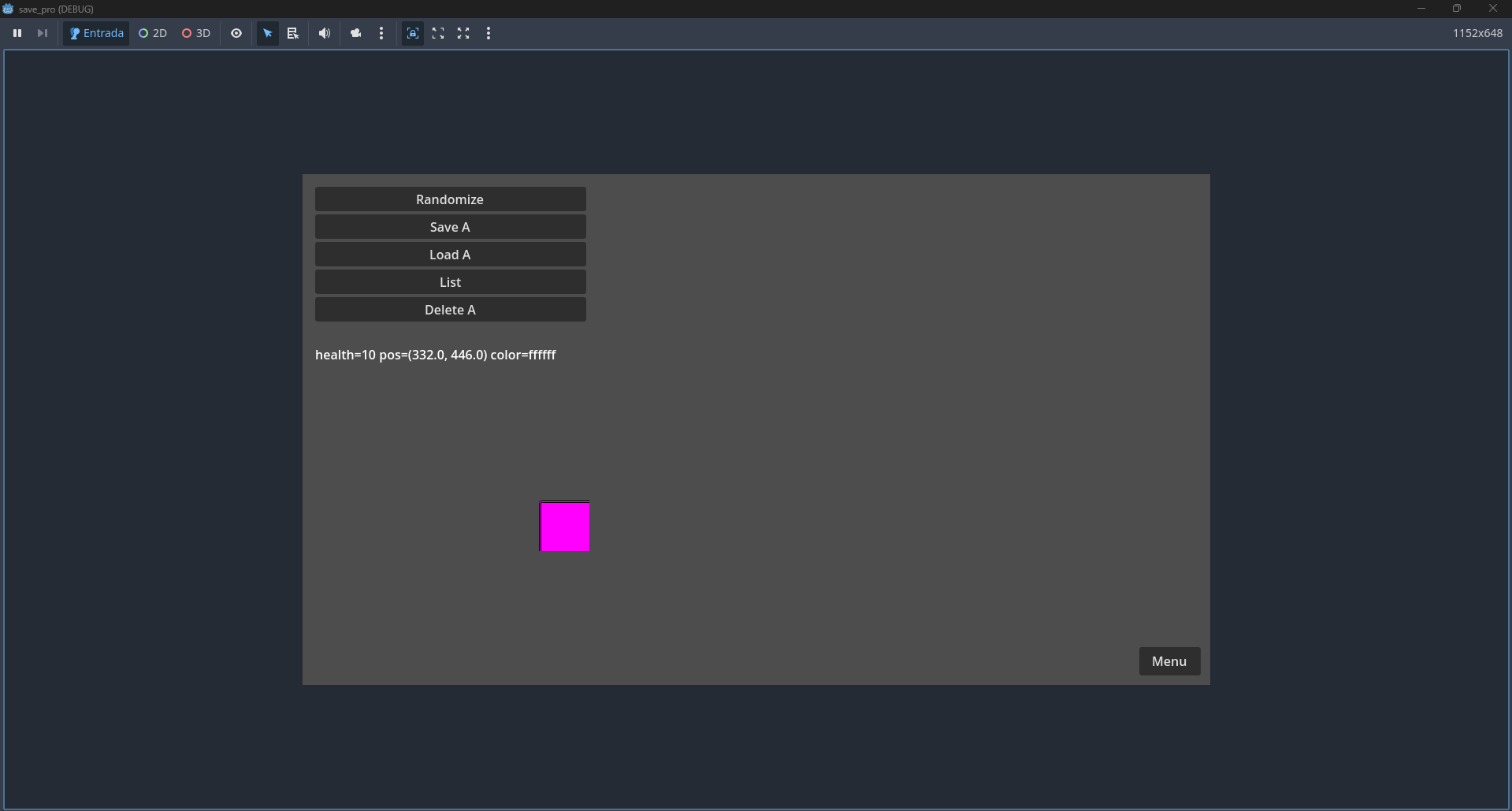
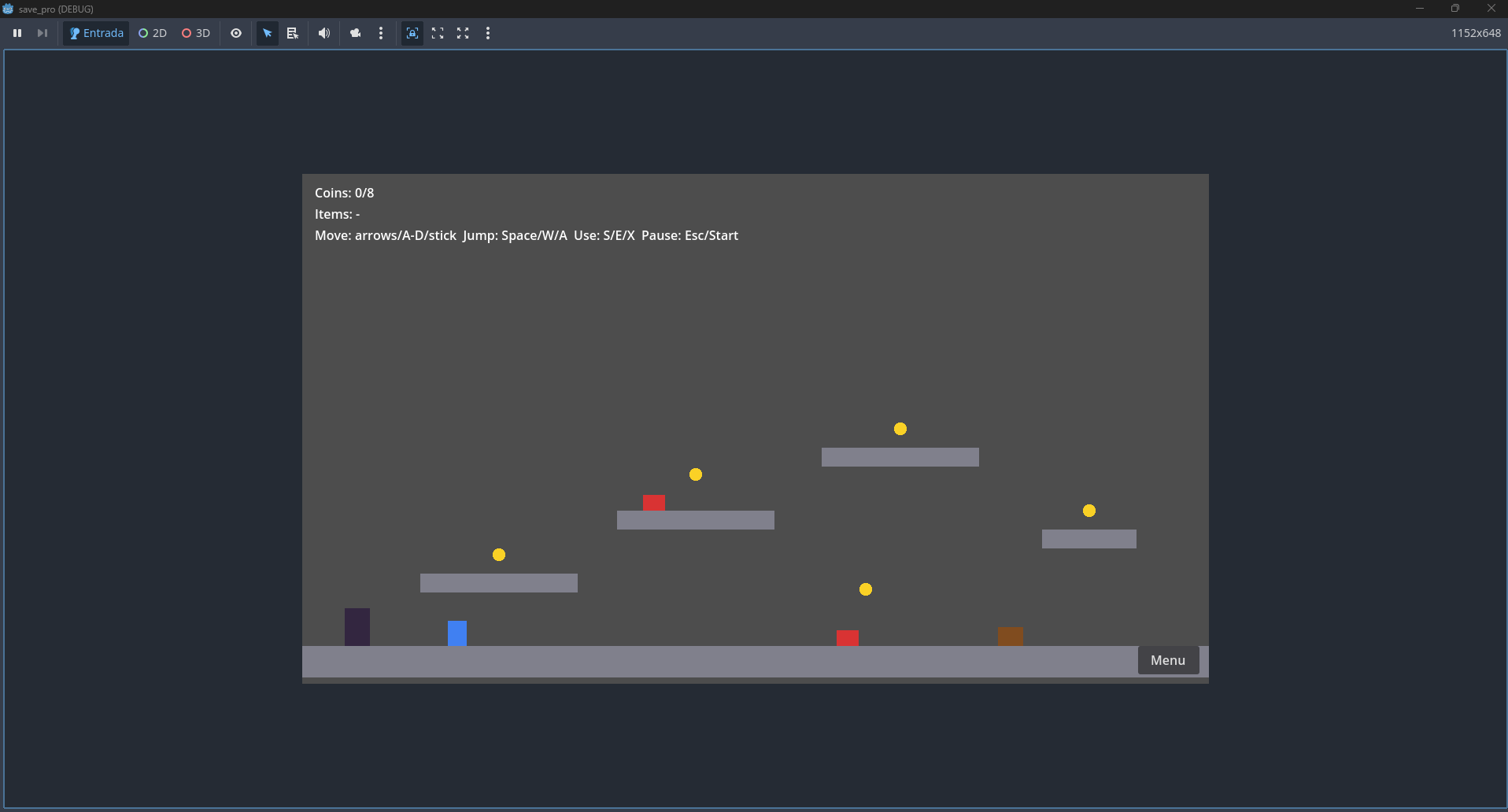
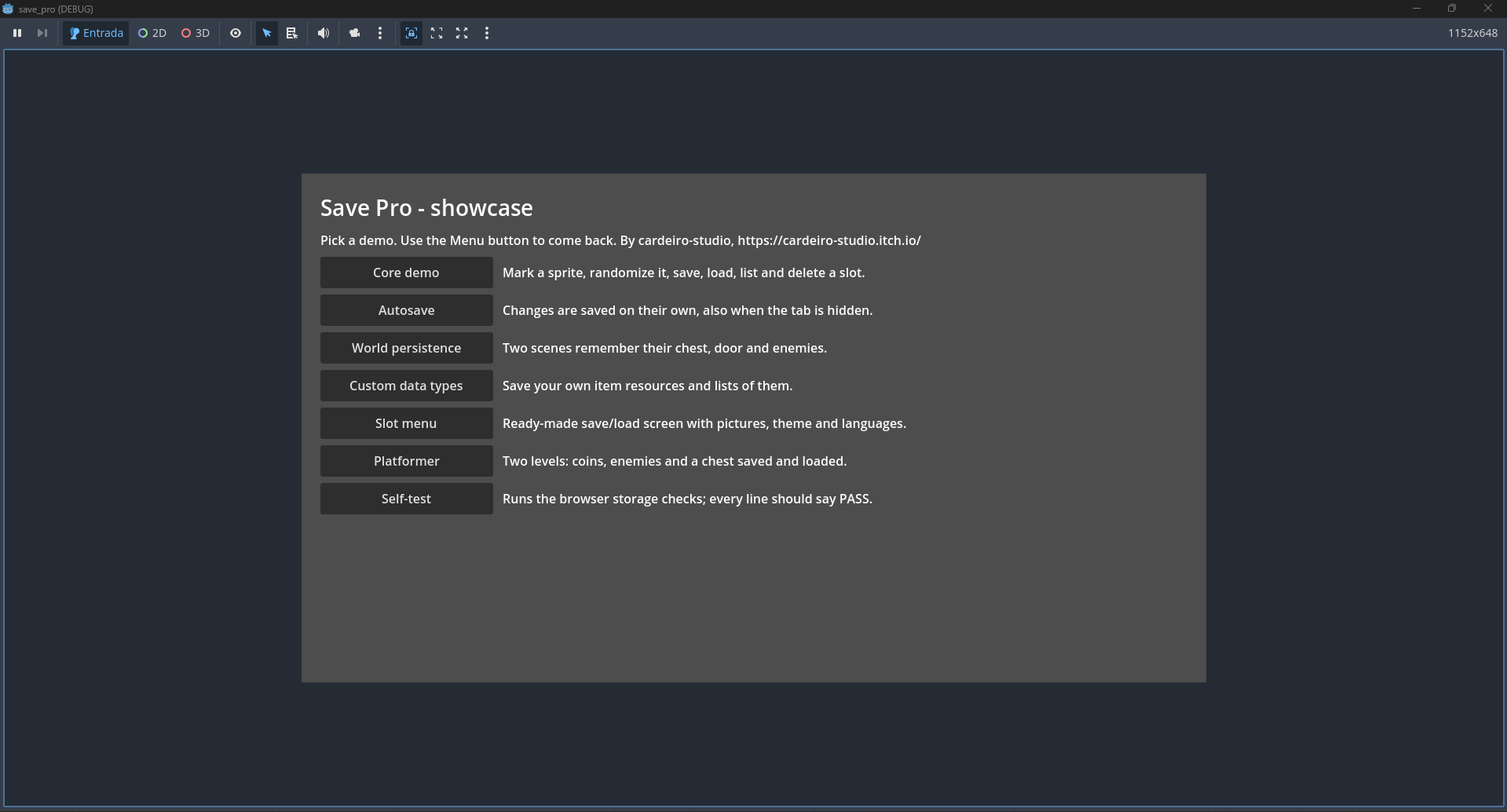
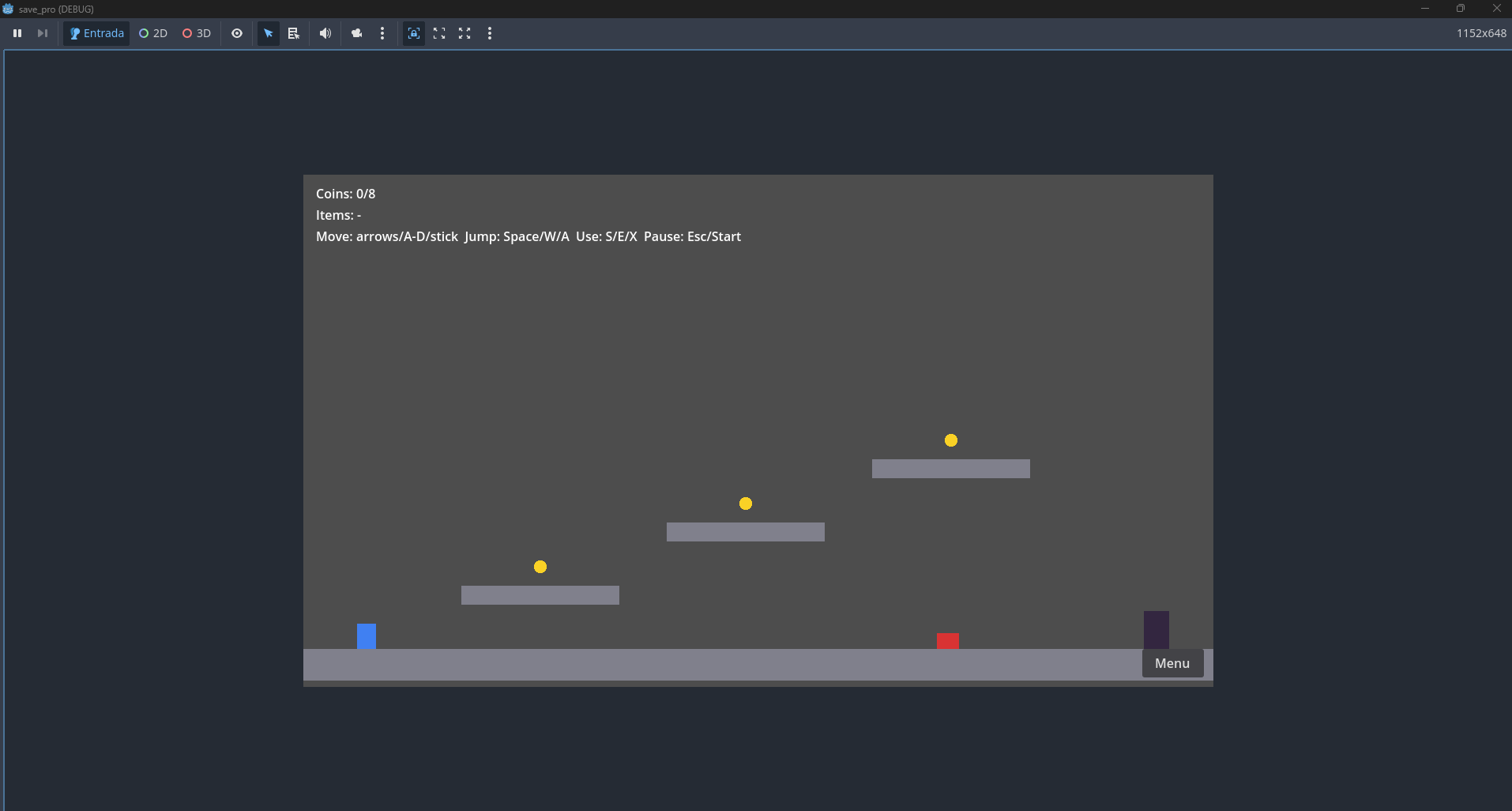
- Demo scenes: core save/load, autosave, world persistence, custom data types, slot menu, a two-level platformer, and the browser self-test.
- Commercial license (LICENSE).
Version: 1.1.0 · Engine: Godot 4.5+ · Language: GDScript · Author: cardeiro-studio
Save Pro: https://cardeiro-studio.itch.io/save-pro
Save Lite (free): https://cardeiro-studio.itch.io/save-lite
Purchase
In order to download this asset pack you must purchase it at or above the minimum price of $9.99 USD. You will get access to the following files:
Leave a comment
Log in with itch.io to leave a comment.